Character Guide
Characters work a little differently depending on how you connect. Comic Chat users install AVB files locally. Web chat and regular IRC users copy and paste a generated character line.
Open CharactersIf you are using the original Comic Chat client, first download a character AVB file from the catalog.
Then place that file into one of these folders:
C:\Program Files\Microsoft Chat\COMICART
C:\Program Files (x86)\Microsoft Chat\COMICART
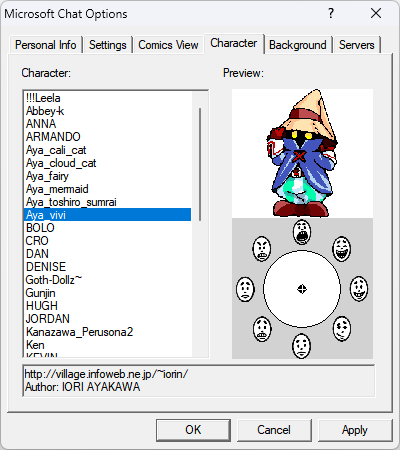
After that, open Comic Chat and go to the Character tab in Options. Your downloaded character should appear in the list.
In Microsoft Chat, open the menu and go to Options. That is where the Character tab lives.
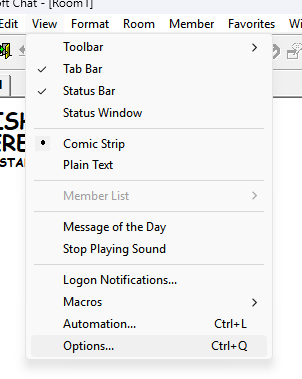
Once the AVB file is in the ComicArt folder, it should appear in the Character tab list.
If you are using the live web chat or any standard IRC client, you do not install an AVB file locally.
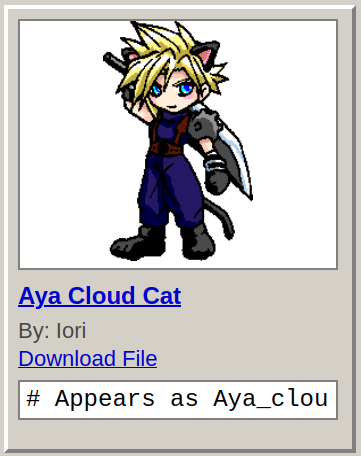
Instead, open a character in the catalog and look for the generated Appears as line shown under the download link. Copy that line, paste it into the message box in chat, and send it once.
That changes the character other Comic Chat users will see for you.